Your Free Web Server: Docker Nginx on Synology 7.2.2
Easily own your own free website web server. A complete process recording tutorial based on Synology 7.2.2 DSM system, installing the Docker version of Nginx. Step-by-step tutorial that ensures you'll learn - if you have any questions, feel free to leave a comment. Related content: https://DPIT.lib00.com
Synology 7.2 Memory Test Guide
Synology 7.2.x System Beta Testing Guide. If you suspect there's an issue with Synology memory or have replaced with new memory, it's recommended to perform a memory test. This process is time-consuming, so it's advisable to plan your schedule in advance. Related content: https://DPIT.lib00.com
Jellyfin Enable HTTPS Access on Synology 7.2
Synology 7.2 System: How to Configure Jellyfin to Enable HTTPS Access

HA500 4-Month Stability Test Report: Meta Server Zero
The ha500 stability test report, completed over 4 months, marks the conclusion of this series. Thank you all for your support. ha500 is also known as Meta Server Zero.
Convert CRT+KEY SSL Certificate to PFX Format
A method to convert traditional CRT and KEY SSL certificates into PFX format certificates using a more secure approach. For related content, see: https://DPIT.lib00.com
Synology DDNS: Bind Public IP to Domain for 7.2.1
Synology 7.2.1 system DDNS setup: a complete record of the process of binding a public IP (v4) with a domain name.

DNSPod API Key Application Tutorial
DNSPod API Key Application/DNSPod Token Application Tutorial
Tencent Cloud Free SSL Certificate Guide
Based on Tencent Cloud's free SSL certificate application method, SSL certificates are HTTPS certificates. By applying for an SSL certificate and completing the configuration, you can use the HTTPS protocol.
Synology 7.2.2 Install AME+VideoStation with Server-Side Decode
Transcoding loss occurred on the server side after upgrading Synology to 7.2.2. By installing AME+VideoStation back through a third-party script, server-side transcoding is now supported again.
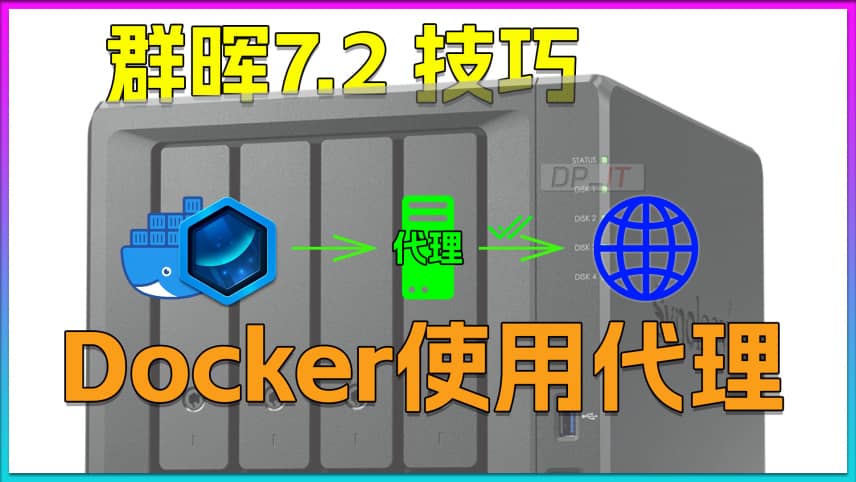
Docker Container Proxy Setup on Synology 7.2
Synology NAS: Configuring Proxy for Docker Containers to Resolve Network Access Issues. If you encounter network access problems while using Docker, you can refer to this video.
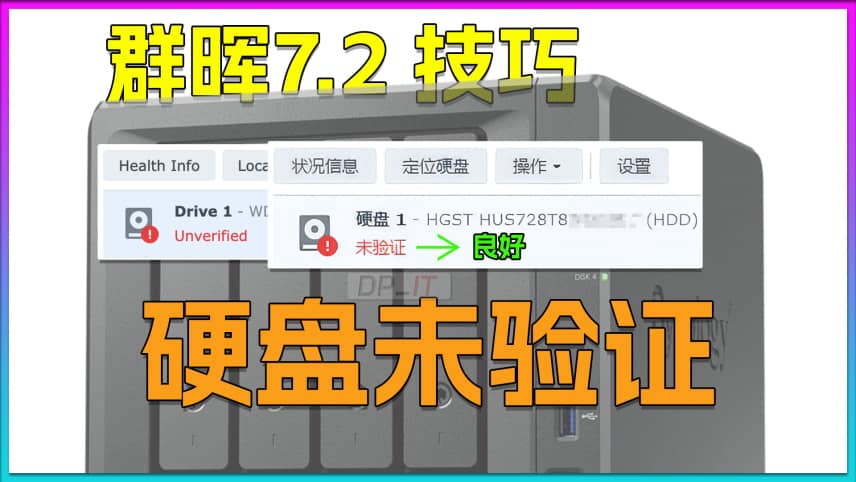
Fix Synology Drive Not Validated Error for DSM 7.2
Solution to the "Drive Not Verified" Issue in Synology 7.2 System. This problem is caused by the automatic drive compatibility list checking in Synology 7.2 system. This video explains how to use third-party scripts to resolve this issue. Welcome to watch.
J3455 Synology 7.2.2 Full Installation Log
J3455 motherboard using USB drive boot to install Synology 7.2.2 system, full process video recording. Mainly used to discuss the feasibility of installing Synology 7.2.2 system on old motherboards.