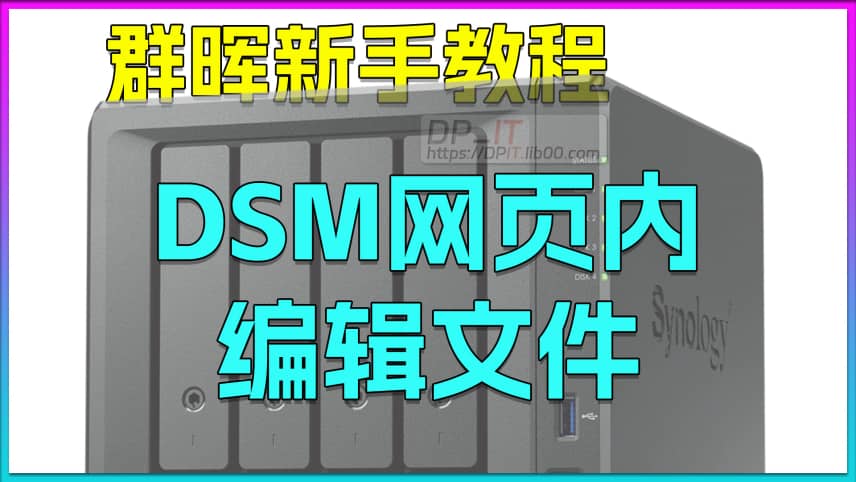
Edit Files in Synology DSM Web Interface Tutorial

Edit Files in Synology DSM Web Interface Tutorial

Published: 2025-06-20
Author: DP
Duration: 01:43
Views: 165
Category: Video
Summary Content
# Edit Files in Synology DSM Web Interface Tutorial ## 📝 Video Overview This video is part of the Synology beginner tutorial series, presented by DP. It demonstrates how to edit files directly within the Synology DSM web interface without downloading and re-uploading, significantly improving workflow efficiency. This is a simple yet practical tip, especially suitable for NAS beginners. --- ## 🎯 Core Content ### Pain Points of Traditional Editing Method The traditional file editing workflow in Synology DSM requires: 1. Download the file to local device 2. Edit with local text editor 3. Re-upload the file While this approach works, it's cumbersome and inefficient, especially when configuration files need frequent modifications. ### Online Editing Solution **Installation Steps:** 1. Open **Package Center** in Synology DSM 2. Search for "**Edit**" or "**Text Editor**" 3. Locate the "**Text Editor**" package 4. Click install and wait for completion **Usage Instructions:** 1. Select the file you want to edit 2. Right-click and choose "**Open with**" 3. Select "Text Editor" to open the file 4. Edit content directly in the web-based editor 5. Click "File" → "Save" to complete editing 6. Refresh or reopen the file to verify changes --- ## 💡 Solution Benefits - **Enhanced Efficiency**: Eliminates repetitive download/upload operations - **Instant Effect**: Changes take effect immediately after saving - **Browser-Based**: All operations completed within DSM web interface, no additional software needed - **Lower Barrier**: Simplifies file management workflow, beginner-friendly - **Accessibility**: Edit files anywhere you can access DSM --- ## 🔧 Use Cases - Modify configuration files (.conf, .ini, etc.) - Edit script files (.sh, .py, etc.) - Quick text document modifications - Debug code snippets - Update website configuration files --- ## 📚 SEO Keywords Synology NAS, Synology DSM, Text Editor, Online Editing, Package Center, NAS Beginner Tutorial, File Management, DSM Tutorial, Web-Based Editing, Synology Packages, NAS Tips and Tricks, DSM File Editor, NAS Configuration, Remote File Editing
Recommended
Codex Pro Tip: Instantly Switch Multiple Accounts with Official Cache and CC Switch Tool
Codex Pro Tip: Instantly Switc...
00:00 | 600

Say goodbye to the tedious log-out and log-in proc...

Free SSL Docker acme.sh: Wildcard & Auto-Renew Synology 7.2
Free SSL Docker acme.sh: Wildc...
11:10 | 757

Based on Synology 7.2.1 system, the process of ins...

Synology Moments to Photos Manual Migration Guide
Synology Moments to Photos Man...
10:33 | 139

This video documents a tutorial on how to manually...

N5105 Synology 7.2 Docker Jellyfin: Install, Config & HW Decode
N5105 Synology 7.2 Docker Jell...
15:29 | 253

N5105. Synology 7.2 Docker Version Jellyfin Instal...