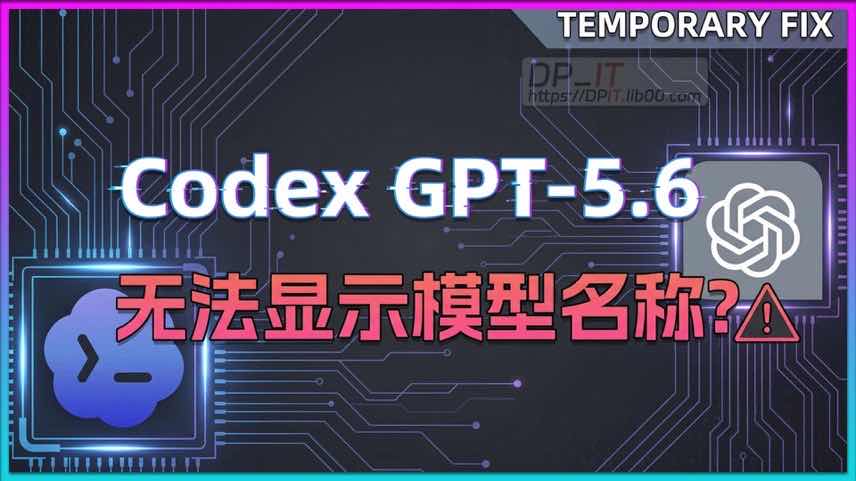
GPT 5. 6 Released: Temporary Fix for Codex APP Model Name Display Issue

GPT 5. 6 Released: Temporary Fix for Codex APP Model Name Display Issue

Published: 2026-07-10
Author: DP
Views: 0
Category: Video
Support Content
## A. demo in video > 1.1 auth.json ``` { "OPENAI_API_KEY": null, "last_refresh": "2026-06-22T08:31:42.157434Z", "tokens": { "access_token": "************iJSUzI1NiIsImtp", "account_id": "**************-b92f-74b58931fe92", "id_token": "************iJSUzI1NiIsImtpZCI6ImIx, "refresh_token": "rt_******************IjPxPhvxNIdVmDg" } } ``` > 1.2 config.toml // Only add `experimental_bearer_token`, the rest content is for positioning. ``` [model_providers.DPWorking] name = "OpenAI" wire_api = "responses" requires_openai_auth = true base_url = "http://localhost:8331/v1" experimental_bearer_token = "dpit-470f151800b12a91885c92cc2b81f73a204bc0fbd8cb11b0db564f6216c0e161" ```
Summary Content
# GPT 5. 6 Released: Temporary Fix for Codex APP Model Name Display Issue ## 🚀 Introduction: The Arrival of GPT 5. 6 With the highly anticipated release of the **GPT 5. 6** model, many developers have eagerly jumped in to test its capabilities. However, users utilizing the API mode have encountered a minor UI glitch: the model name fails to display correctly in the Codex APP (e. g. , within VS Code) , showing up simply as 'custom'. This article explains the cause of this issue and provides a highly effective temporary workaround. --- ## 🐛 Problem Description & Root Cause * **The Glitch**: Under identical setups, while the **Codex CLI** accurately displays the full list of GPT 5. 6 models (including Ultra) , the **Codex APP** fails to render the specific names visually. * **The Why**: Behind the scenes, the API requests are routing perfectly, meaning **model functionality and code generation quality remain 100% unaffected**. The issue stems purely from the Codex APP's frontend interface, which hasn't received the necessary update patch to parse the new GPT 5. 6 identifiers. --- ## 🛠️ Step-by-Step Temporary Fix Instead of waiting for the official app patch, you can manually tweak your local configuration files to restore a flawless coding experience: 1. **Locate Configuration Files**: Navigate to the `. codex` folder in your user's root directory. You will need to modify two files here: `auth. json` and `config. toml`. 2. **Migrate API Key Settings**: Remove the existing API key setup from `auth. json` and move it into `config. toml`. Apply the proper initialization configuration format. 3. **Clear and Re-login**: Empty the contents of `auth. json` completely, then execute a new login sequence. Once successfully logged in, the system will auto-populate the necessary baseline configurations. 4. **Merge Legacy API Settings**: In the freshly generated `auth. json`, retain the existing API network nodes from version 5. 5, ensuring the migrated settings are aligned. The exact value of the model parameter at this stage does not strictly matter. 5. **Restart the IDE**: Completely close your IDE (such as VS Code) and relaunch it. After a brief initialization delay, the entire spectrum of GPT 5. 6 models (and interactive functions like thinking intensity) will natively appear right within the Codex APP UI. --- ## 💡 Pro Tips * **For CC Switch Users**: If you utilize CC switch to manage environments, **make sure to check the 'Save third-party login' option**. Failing to do so might result in your login file getting wiped or overwritten during status transitions. * **Activating Max Mode**: Specific features like Max Mode may require independent activation within the APP parameters to populate properly on the interface. --- ## 📌 Conclusion This minor hiccup is nothing more than a frontend display lag and will naturally resolve upon the next official Codex APP update. Until then, take a quick minute to apply this localized config fix and enjoy GPT 5. 6 to the fullest!
Related Contents
Recommended
Claude Code: Design Pro HTML Pages Without Coding
Claude Code: Design Pro HTML P...
32:40 | 653

How to use Claude Code to design professional HTML...

iKuai Q6000+TP-Link 5410 Cross-Brand Network Test
iKuai Q6000+TP-Link 5410 Cross...
08:57 | 346

Recently, I conducted a cross-brand router hybrid ...

Synology 7.2 Memory Test Guide
10:01 | 244

Synology 7.2.x System Beta Testing Guide. If you s...

Starsector 0.97 Web Fighters Database Online
Starsector 0.97 Web Fighters D...
01:57 | 205

Starsector Online Tools Website (https://sst.lib00...