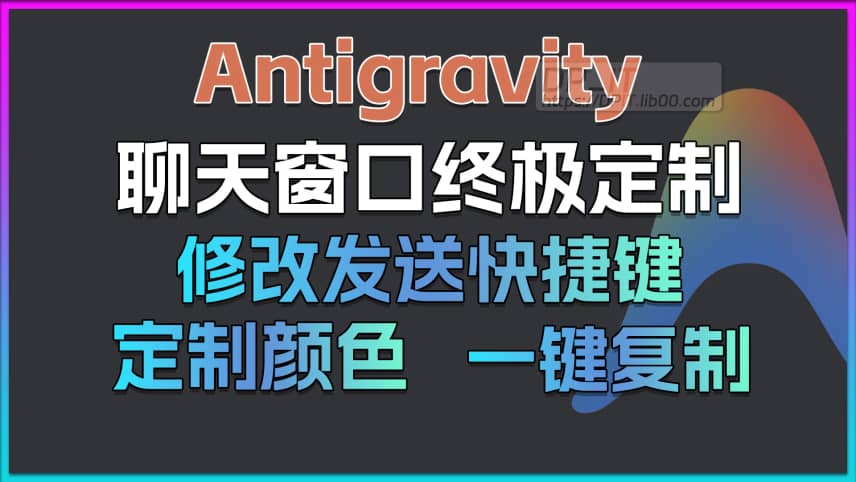
The Ultimate Guide to Customizing Antigravity: Build Your Own AI Chat Window

The Ultimate Guide to Customizing Antigravity: Build Your Own AI Chat Window

Published: 2026-01-23
Author: DP
Views: 480
Category: Video
Support Content
## 1. Introduction This video describes the perfect customization solution for the Google Antigravity AI chat window. Declaration: Released along with the DP_IT video, it is free to use. Any commercial activities such as resale are prohibited. If someone sells this to you, please get a refund. Website: https://dpit.lib00.com ## 2. Commands used in the video > 1. Antigravity-Better Github ``` https://github.com/016/Antigravity-Better ``` > 2. File path ``` app_root/cascade-panel.html ``` > 3. 替换位置 - MacOS ``` /Applications/Antigravity.app/Contents/Resources/app/extensions/antigravity/cascade-panel.html ``` > 4. Replacement Location - Windows ``` APP Installation_Root Directory/Resources/app/extensions/antigravity/cascade-panel.html ``` ## 3. Related Links > Antigravity-Better v0.1.1 https://github.com/016/Antigravity-Better > anti-power v2.2.0 https://github.com/daoif/anti-power
Summary Content
# The Ultimate Guide to Customizing Antigravity: Build Your Own AI Chat Window Do you find the default Antigravity AI chat window a bit plain? Are you eager for a more personalized and efficient interactive experience? In this video, YouTuber DP introduces you to the world of `Antigravity Better`—a powerful customization plugin he developed for Google's AI IDE, Antigravity. ## ✨ What Does Antigravity Better Offer? `Antigravity Better` is designed to empower every user to take full control of their AI programming environment. Through a simple floating button, it opens the door to endless possibilities: ### 🎨 Appearance Customization * **One-Click Toggle**: Instantly switch between the default and your custom theme. * **Fine-Grained Color Control**: Freely set the display colors for **User Info**, **AI Response**, **Code Blocks**, **Action Status**, and **Thinking Process** to make your chat window visually pleasing. ### 🚀 Functional Enhancements * **One-Click Copy**: Adds convenient copy buttons next to user messages, the AI's thinking process, and final responses, eliminating the need for manual selection. * **Shortcut Modification**: Customize the default \"Enter\" key for sending messages to a combination like `Command/Ctrl + Enter`, effectively preventing accidental submissions. --- ## 🛠️ How to Install and Use The installation process is incredibly simple and involves just three steps: 1. **Download**: Visit DP's website (`dpit.lib00.com`), find the relevant article, and download the core plugin file (a file starting with `CP`) from GitHub. 2. **Locate**: Follow the instructions in the video and article to find the Antigravity application file path on your `macOS` or `Windows` system. 3. **Replace**: Back up the original file and place the newly downloaded file into the specified directory. Restart Antigravity, and you'll see the brand-new settings panel! --- ## 🧠 The Core Highlight: Become a Developer, Create Your Own Features! This is more than just a feature plugin; `Antigravity Better` is an **open development framework**. DP's philosophy is: \"We've built the highway; you can drive any car you want on it.\" * **Follow the Rules, Extend Infinitely**: By cloning the project's GitHub repository, you can adhere to its built-in rules and architecture. * **AI-Assisted Development**: Load the project in Antigravity and simply tell the conversational AI what new feature you want to implement (e.g., \"add a custom color option for tables\"). After providing the necessary code context, the AI can generate the new feature code for you! * **Tech Deep Dive**: The video explains the rationale behind choosing to directly modify a core file instead of creating a traditional `VSIX` extension. This approach cleverly bypasses the `iframe` sandboxing limitations, ensuring maximum flexibility and development convenience. The true significance of this video is that it empowers every user with the ability to customize and create. From today on, make your Antigravity IDE truly your own. --- *Find this video helpful? Please like, share, and leave a comment with your customization ideas or any questions you have!*
Related Contents
Recommended
DNSPod API Key Application Tutorial
DNSPod API Key Application Tut...
02:56 | 120

DNSPod API Key Application/DNSPod Token Applicatio...

DeepSeek Official API Application Guide
DeepSeek Official API Applicat...
01:30 | 79

Welcome to the DeepSeek beginner tutorial series. ...

Starsector 0.97 Web Weapons Database v1.1
Starsector 0.97 Web Weapons Da...
02:20 | 61

During the New Year holiday, I played Starsector v...

N5105 Perfect DSM 7.2 Hardware Decode on HA500
N5105 Perfect DSM 7.2 Hardware...
15:20 | 157

Orico's MetaServer Zero, model ha500, with N5105 C...