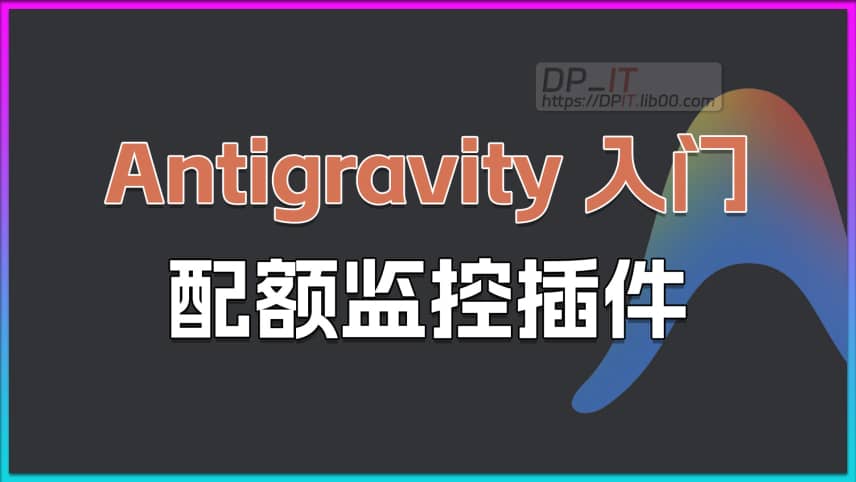
Antigravity AI Model Quota Monitor Plugin Tutorial
Support Content
Summary Content
Related Contents









Recommended
 1,185
01:33
1,185
01:33
Antigravity Tip: Disable Automatic Code Formatting
While Antigravity's auto-formatting is useful, it can cause code style conflicts between different IDEs. This video shows a quick tip to disable 'format on save' and 'format on paste' in the settings, giving you full control over your code formatting for better consistency in team collaboration and cross-environment development.
 414
01:23
414
01:23
Synology DSM Change Login Port for Security
How to modify the login web port in Synology DSM system to enhance security - a beginner's tutorial. This beginner's tutorial is designed for novice users, aiming to ensure comprehensive learning. Subscribe for more content. Related content: https://dpit.lib00.com
 4,951
09:41
4,951
09:41
Codex Pro Tip: Instantly Switch Multiple Accounts with Official Cache and CC Switch Tool
Say goodbye to the tedious log-out and log-in process! This video unveils the principle behind Codex's officially supported fast account switching by caching key configuration files. We also provide a detailed guide on using the third-party tool, CC Switch, to automate this process, allowing you to safely and efficiently manage and instantly toggle between multiple official and third-party API accounts, dramatically boosting your workflow and user experience.
 1,418
06:46
1,418
06:46
OpenAI Codex Quota Anomalies Revealed: Plus/Pro Subscriptions Surging or Plummeting?
Following the recent OpenAI Codex quota reset, many users have experienced highly abnormal fluctuations in their Plus and Pro subscription limits. While the standard Plus quota was widely considered to be between 110 and 140, recent data shows drastic drops—to 70, 40, or even lower—while some limits unexpectedly surged to 200! Is this a strict risk-control measure targeting free trials and exploiters, or a massive system bug? This video dives deep into real data and historical usage records to uncover the truth and discuss future trends in OpenAI's risk management policies.