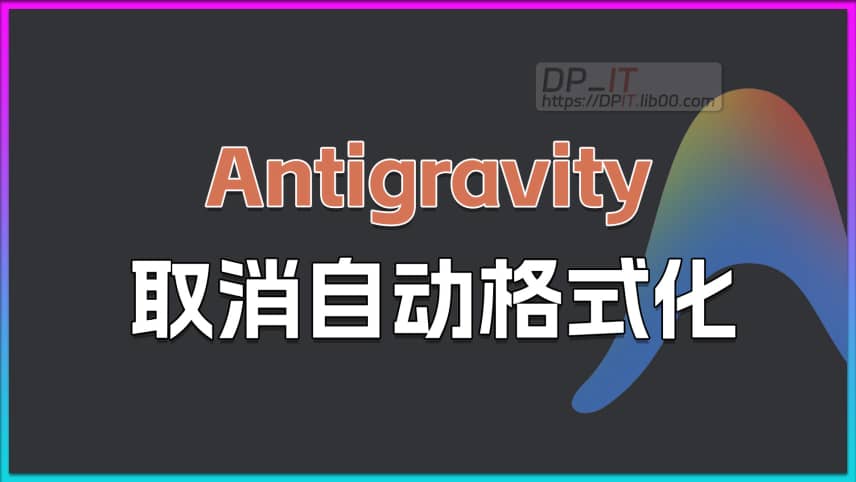
Antigravity Tip: Disable Automatic Code Formatting
Summary Content
Related Contents



Recommended
 3,097
12:24
3,097
12:24
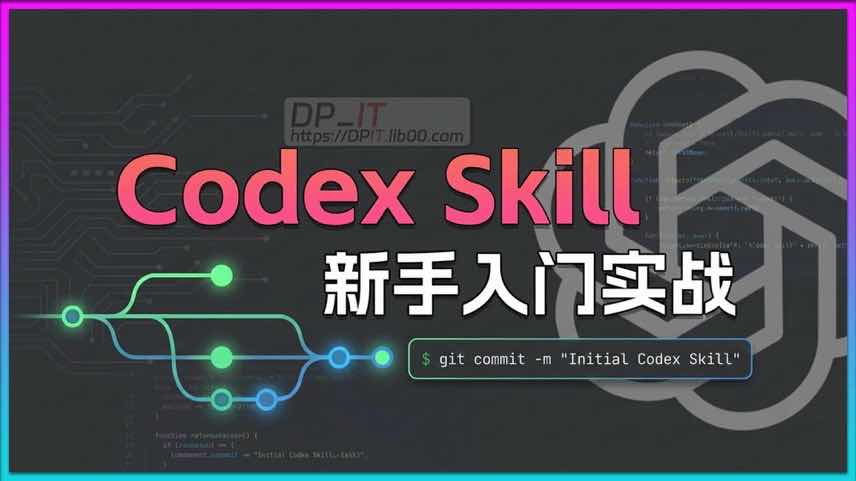
Codex Skill Beginner's Guide: Automating Your Git Commit Workflow from Scratch
This video is the ultimate beginner's guide to Codex Skills. We'll walk you through creating, configuring, and using a Skill by automating a high-frequency task: `git commit`. Learn the fundamentals of project-level Skills, understand their intelligent boundaries through practical examples, and finally, discover how to use symlinks to share global Skills across IDEs, significantly boosting your development efficiency.
 1,079
02:13
1,079
02:13
Antigravity Not Working? Solve Account Verification in One Minute!
Recently, some users reported that the Google AI IDE, Antigravity, suddenly became inaccessible, requiring account verification. This video provides a detailed walkthrough of the entire process to resolve this issue. By completing a simple SMS phone number verification, you can quickly unlock your account and regain access to Antigravity, powered by Gemini Code Assist. If you're facing the same problem, this tutorial offers clear, step-by-step guidance.
 1,537
08:43
1,537
08:43
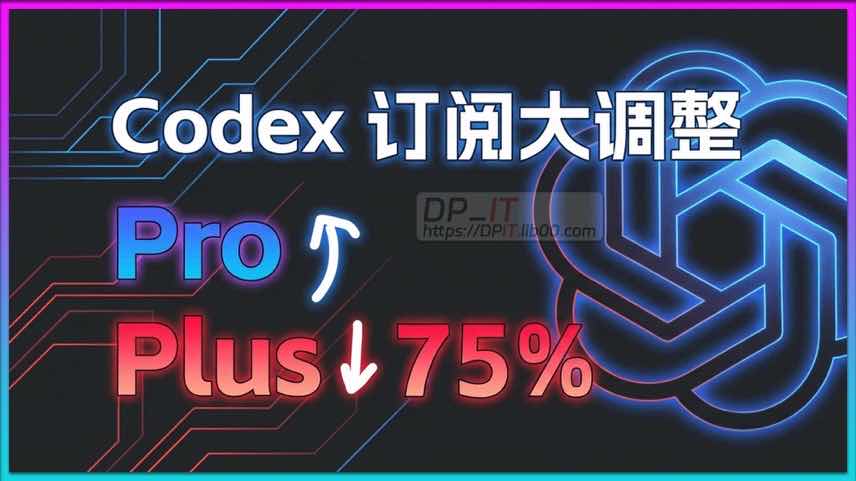
Major Codex Subscription Shake-up: Plus Quotas Slashed, Pro Favored? An In-depth Analysis of the Strategy and Future Trends
Codex has recently adjusted its subscription service quotas, sparking widespread discussion among users. This video provides an in-depth analysis of the quota changes for Plus, Pro, and free subscribers. The most notable change is the end of the double quota promotion for the Plus plan, leading to a significant reduction in its effective usage limits. Conversely, the Pro subscription has introduced a more accessible $100 tier and extended its double quota event to attract users. These moves clearly reveal the company's business strategy to migrate users from Plus to Pro. The video also offers a forward-looking prediction on the trend of a potential "hidden reduction" for Pro quotas, providing valuable insights for all subscribers.
 521
09:23
521
09:23
AI Photo Upscaling: Topaz Photo AI Tutorial
Using Topaz Photo AI to perform AI lossless (almost) upscaling on already captured blurry photos, while simultaneously performing AI recognition and processing on faces, to obtain a high-definition portrait photo - a complete workflow tutorial video.