 855
13:06
855
13:06
Synology 7.2 Jellyfin Upgrade to 10.10.7 Docker N5105
Based on the N5105 CPU Synology DSM 7.2.1 system, a video tutorial on how to upgrade Docker version Jellyfin from 10.8.13 to 10.10.7, using the nyanmisaka/jellyfin docker version. Including the following content: - Download image - Import image - Backup old data - Run new 10.10.7 version Jellyfin - Jellyfin functionality testing Related resources: https://dpit.lib00.com
 862
14:11
862
14:11
Nginx Proxy Manager on Synology 7.2 Docker Guide
docker-based Nginx graphical management tool, Nginx Proxy Manager mainly includes reverse proxy, SSL certificate application, certificate renewal and other functions, including download, installation, configuration, testing, and complete video tutorial. Associated resources: https://dpit.lib00.com
 488
16:26
488
16:26
Free Personal AI Hub: Docker LobeChat Guide
Complete process for installing docker version LobeChat on Synology 7.2.x system, integrating ChatGPT, Claude, DeepSeek, etc., to build a private free AI aggregation tool platform, including installation, testing, advanced operations, external network access, and other steps. Related resources: https://dpit.lib00.com
 472
09:43
472
09:43
Docker DDNS-Go: Bind IPv4/IPv6 to Domain for Synology 7.2
Based on Synology DSM 7.2.1 system, this is a step-by-step tutorial on using the Docker version of ddns-go to bind dynamic public IPv4 and IPv6 addresses to domain names. ddns-go is a very user-friendly domain binding program, highly recommended to learn and explore. Related content: https://dpit.lib00.com
 1,061
12:20
1,061
12:20
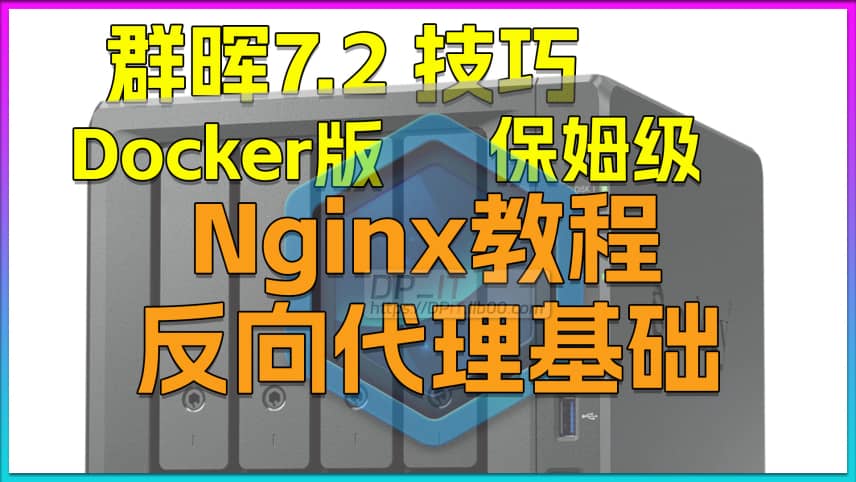
Nginx Reverse Proxy Basics for Synology 7.2 Docker
Nginx Reverse Proxy Basics Tutorial. This tutorial covers how to configure and debug nginx reverse proxy, as well as basic syntax and other related content, suitable for beginners. Video-related resources can be found at: https://dpit.lib00.com. Hope this video is helpful to everyone.
 494
25:11
494
25:11
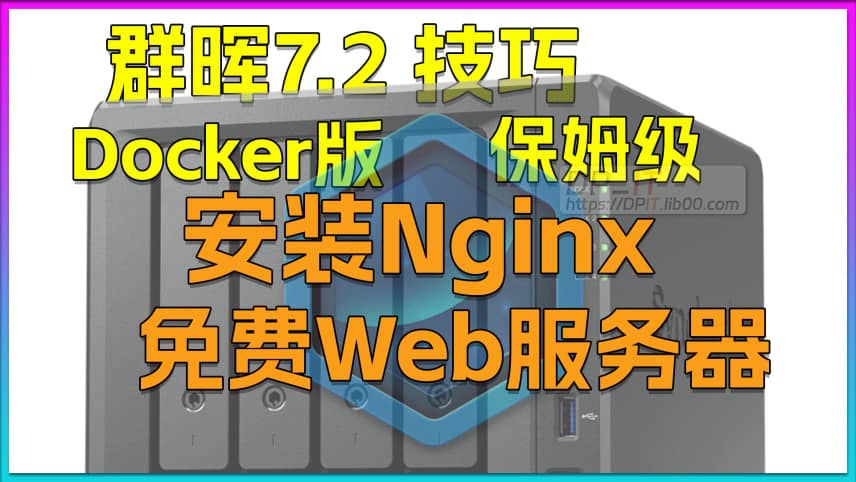
Your Free Web Server: Docker Nginx on Synology 7.2.2
Easily own your own free website web server. A complete process recording tutorial based on Synology 7.2.2 DSM system, installing the Docker version of Nginx. Step-by-step tutorial that ensures you'll learn - if you have any questions, feel free to leave a comment. Related content: https://DPIT.lib00.com