
How to Disable Automatic API Requests on Codex APP Startup: Ultimate Token Saving Guide
Summary Content
Related Contents



Recommended
 1,418
06:46
1,418
06:46
OpenAI Codex Quota Anomalies Revealed: Plus/Pro Subscriptions Surging or Plummeting?
Following the recent OpenAI Codex quota reset, many users have experienced highly abnormal fluctuations in their Plus and Pro subscription limits. While the standard Plus quota was widely considered to be between 110 and 140, recent data shows drastic drops—to 70, 40, or even lower—while some limits unexpectedly surged to 200! Is this a strict risk-control measure targeting free trials and exploiters, or a massive system bug? This video dives deep into real data and historical usage records to uncover the truth and discuss future trends in OpenAI's risk management policies.
 976
09:18
976
09:18
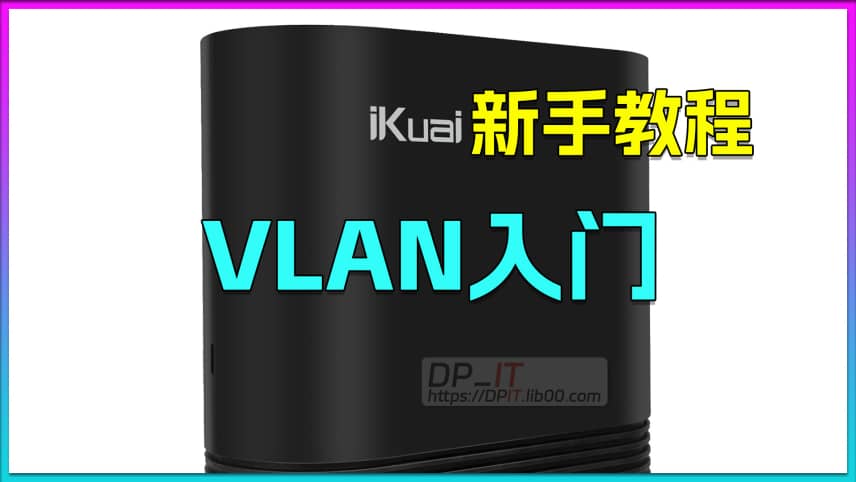
iKuai OS VLAN Beginner's Tutorial
Welcome to the iKuai beginner tutorial. This video introduces the complete process of building a guest WiFi based on iKuai OS using the VLAN function.
 577
08:35
577
08:35
iKuai DDNS: Bind LAN IPv6 to Domain
Welcome to the iKuai beginner tutorial. This video introduces the complete process of using iKuai OS's built-in DDNS technology to easily bind IPv6 addresses of LAN devices to domain names, including a simple theoretical introduction, practical operations, testing procedures, and more.
 347
02:09
347
02:09
Starsector Web Ships Database v1.1 Updates
https://sst.lib00.com is an online web-based ship database for Starsector 0.97. Yesterday, the v1.1 minor update was released, fixing a critical bug and launching the ship data comparison feature. I am currently collecting feedback from everyone, and comments are welcome. Related resource: https://dpit.lib00.com