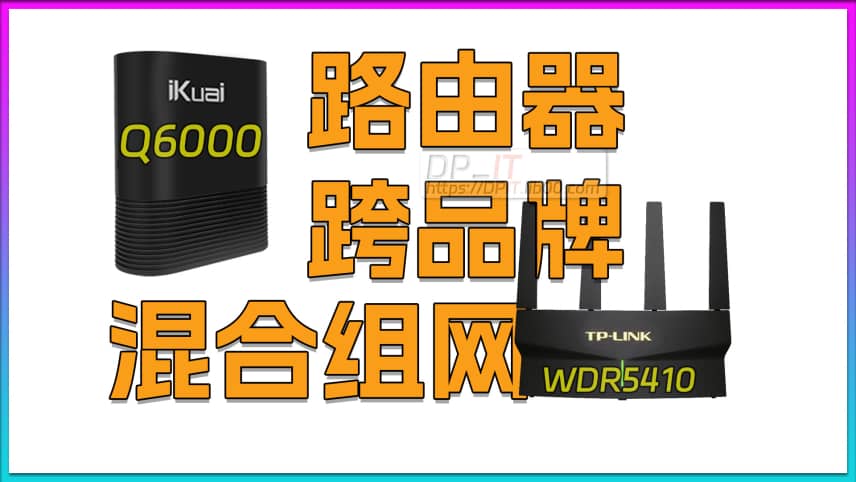
iKuai Q6000+TP-Link 5410 Cross-Brand Network Test

iKuai Q6000+TP-Link 5410 Cross-Brand Network Test

Published: 2024-12-20
Author: DP
Duration: 08:57
Views: 60
Category: Video
Summary Content
# iKuai Q6000+TP-Link 5410 Cross-Brand Network Test ## Video Overview This video demonstrates an innovative cross-brand router hybrid networking experiment, combining the iKuai Q6000 enterprise-grade router with the TP-Link 5410 to create a stable and efficient network solution for a 200 square meter home environment. --- ## Core Content ### I. Background and Motivation - **Video Production Needs**: Preparation for advanced tutorials on public IP, intranet penetration, and related topics - **System Selection**: iKuai OS as an enterprise-level system suitable for teaching and practical applications - **Cost-Effectiveness**: Q6000 priced at only 260 RMB during Double 11 sale (iKuai system worth 200 RMB, hardware essentially 60 RMB) ### II. Network Architecture Upgrade **Original Setup**: - TP-Link 5410 as main router - Connected to switch for NAS and other devices **Upgraded Architecture**: - iKuai Q6000 as main router - TP-Link 5410 converted to AP (Access Point) mode - 5410's four 1G ports function as switch - 2.5G switch directly connected to Q6000 ### III. Implementation Steps **1. System Backup (Critical!)** - Export all router configurations - Ensure recovery capability **2. WiFi Configuration** - Both routers enable WiFi simultaneously - Use different frequency bands to avoid interference (devices co-located) **3. Q6000 Core Configuration** - **Network Settings**: Configure WAN and LAN ports - **Dial-up Settings**: WAN1 port for external network connection - **DHCP Server**: Enable and import static DHCP allocation table - **Port Mapping**: Copy port forwarding rules (for public IP users) **4. TP-Link 5410 Configuration** - Switch from dial-up mode to AP (wired relay) mode - Enable bridge mode, system auto-jumps to Q6000 network segment - Automatically obtains network configuration ### IV. Testing and Validation **Stability Testing**: - Upload/download stress testing using HomeBox - NAS and Docker application testing - Web page and program access verification **Public IP Validation**: - Custom tool (ip.lab00.com) for public IP detection - Confirm port mapping functionality **Real-World Operation**: - Solution running stably for several weeks - Excellent network performance and stability ### V. Performance Assessment **Advantages**: - Powerful iKuai enterprise system features - Dual router setup provides functional complementarity - Reasonable cost control **Limitations**: - Q6000 WiFi coverage approximately 80% of TP-Link 5410 - Functional redundancy with dual devices - Suitable for environments under 150 square meters; larger areas need enhanced coverage ### VI. Product Recommendations Suggestions for iKuai official development: - **Hardware Upgrade**: Single 2.5G port upgraded to dual 2.5G ports - **WiFi Enhancement**: 30-40% coverage improvement to mainstream levels - **Price Positioning**: Around 500 RMB (dual 2.5G ports worth 100 + iKuai OS worth 200 + enhanced WiFi worth 100 + hardware worth 100) - **Target Users**: 100-200 square meter home/small office environments --- ## Target Audience - NAS users and soft router enthusiasts - Tech hobbyists learning enterprise router systems - Users seeking low-cost advanced network functionality - Home users pursuing network stability and scalability --- ## Technical Keywords Cross-brand networking, hybrid network setup, iKuai router, TP-Link, soft router, AP mode, wired relay, enterprise router, public IP, intranet penetration, DHCP, port mapping, 2.5G networking, WiFi coverage optimization, network architecture, home networking, router configuration, enterprise-grade system
Recommended
Starsector 0.97 Web Weapons Database v1.1
Starsector 0.97 Web Weapons Da...
02:20 | 45

During the New Year holiday, I played Starsector v...

Synology SSH Command Line Tutorial
Synology SSH Command Line Tuto...
05:29 | 329

How to use SSH command line to log into the Synolo...

Starsector 0.97 Complete Skills Database Online
Starsector 0.97 Complete Skill...
02:16 | 58

Starsector Online Tools Website (https://sst.lib00...

Synology Backup Strategy for DSM 7.2
Synology Backup Strategy for D...
14:15 | 64

NAS data must be backed up!!! My capabilities are ...